Quick summary
- A normal to surface cut meets the outside surface of the tube at 90 degrees. That is the standard path for tube laser cutting.
- CAD tools often model cuts differently, so the part you drew can look different once it is cut.
- Rotate your model and ask whether a laser could reach every cut at 90 degrees to the tube surface.
- Mark any bevel or angled feature on purpose, and talk to your shop before you release the file.

Normal to surface cuts are laser cuts that meet the outside surface of the tube at 90 degrees. They are the standard way a tube laser cuts, and your CAD model should show them that way. If it does not, the finished part can look different from the drawing.
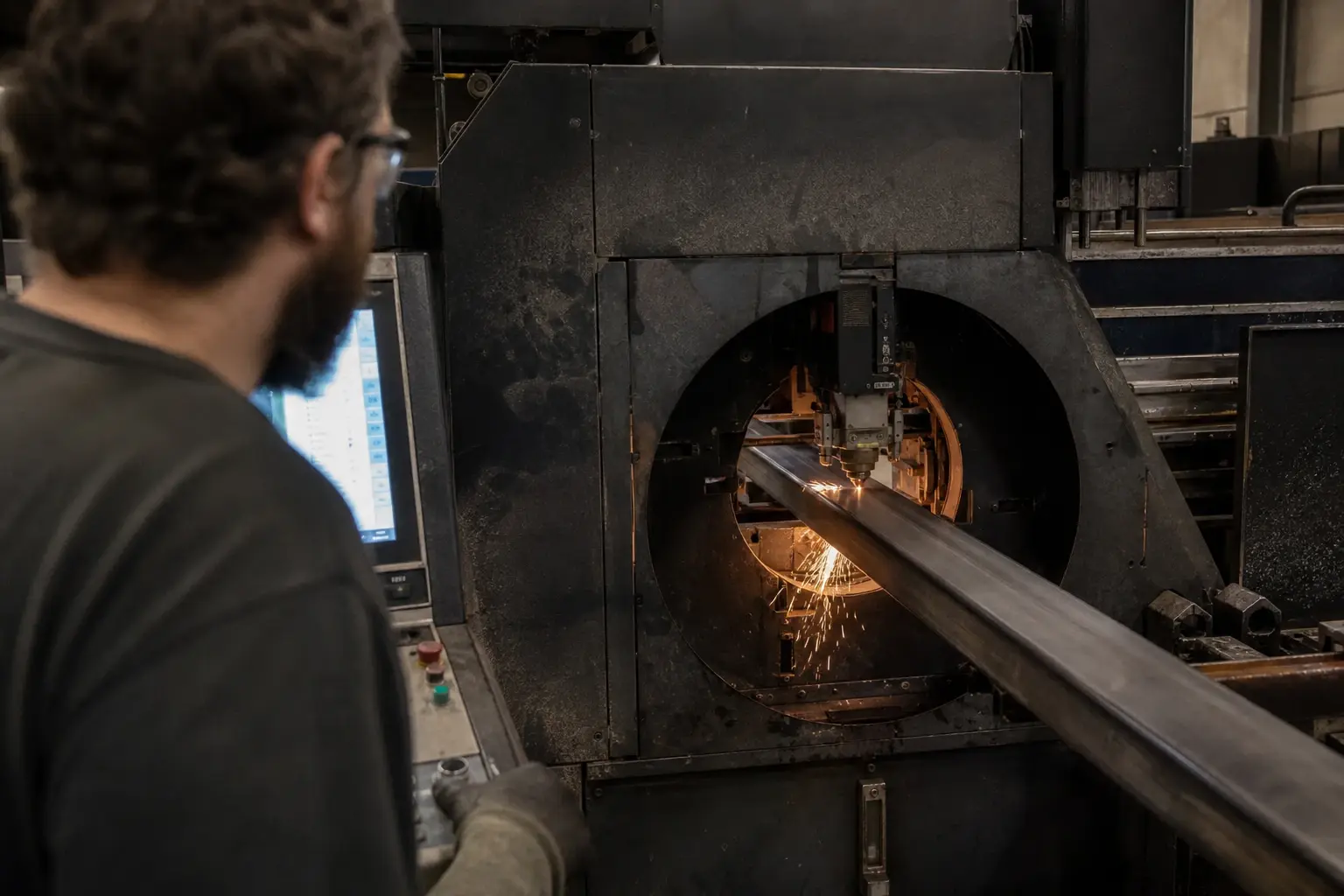
Blueline Industries runs tube laser cutting in Chino, CA, for engineers and buyers who ship tube parts into welded assemblies. This post explains what a normal cut is, how to check your model, and when an angled cut is the right call.
What is a normal to surface cut in tube laser cutting?
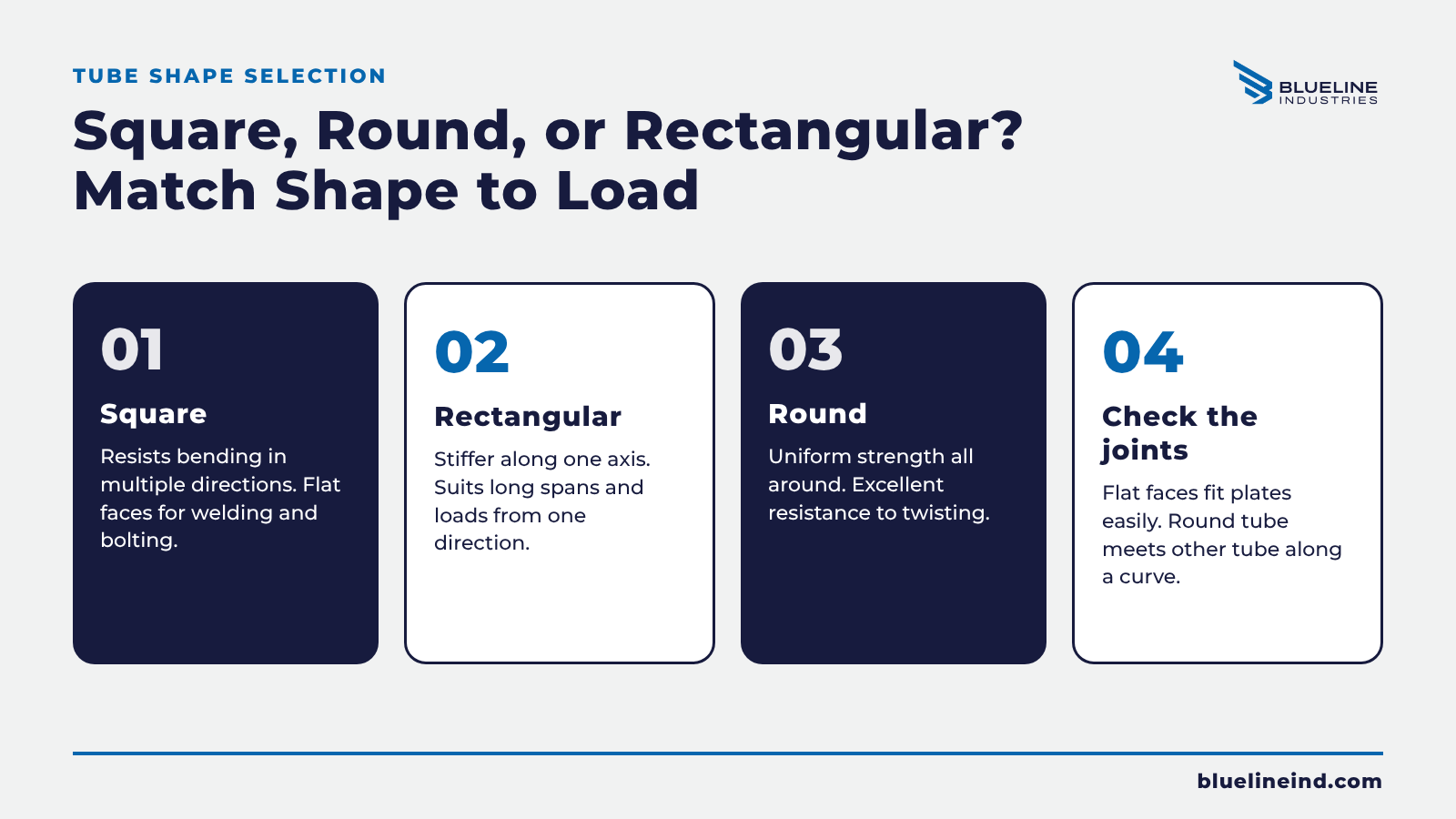
A normal to surface cut is a cut whose path is perpendicular to the outside surface of the tube. It is also called a normalized cut, a 90-degree cut, or a true cope. The laser head stays square to the tube wall as it follows the profile.
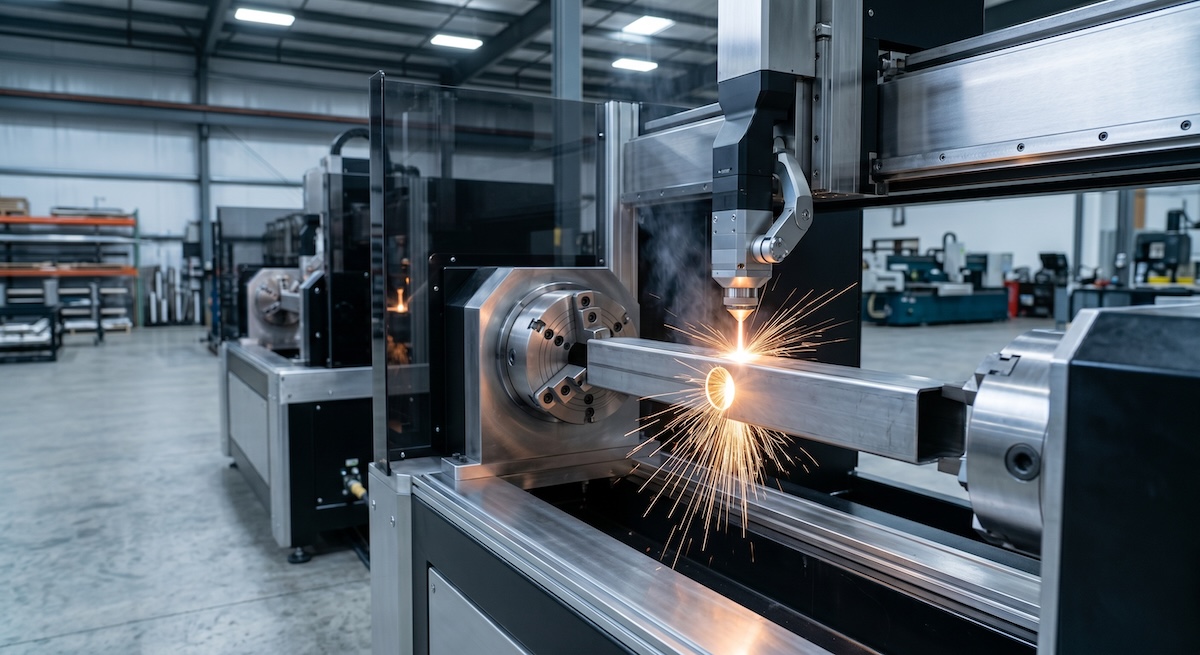
Think of a hole through a round tube. The laser fires straight toward the center of the tube at every point around that hole. The wall is cut square, and the hole edge follows the curve of the tube.
Published design guidance calls this the industry standard for laser tube cutting. It also notes that the laser operates most efficiently when it cuts toward the center of the tube. That is why most quotes and programs assume it.
Why can a CAD cut differ from the real cut?
Many CAD users build tube features with a standard extrude cut, which is normal to the edge or sketch plane, not normal to the tube surface. The laser does not cut that way. It cuts square to the surface, so the real part can differ from the model.
Published guidance says common CAD tools likely will not assume normal to surface cuts, and many weldment and tube tools do not normalize them for you. Normalizing takes a few extra steps in the model.
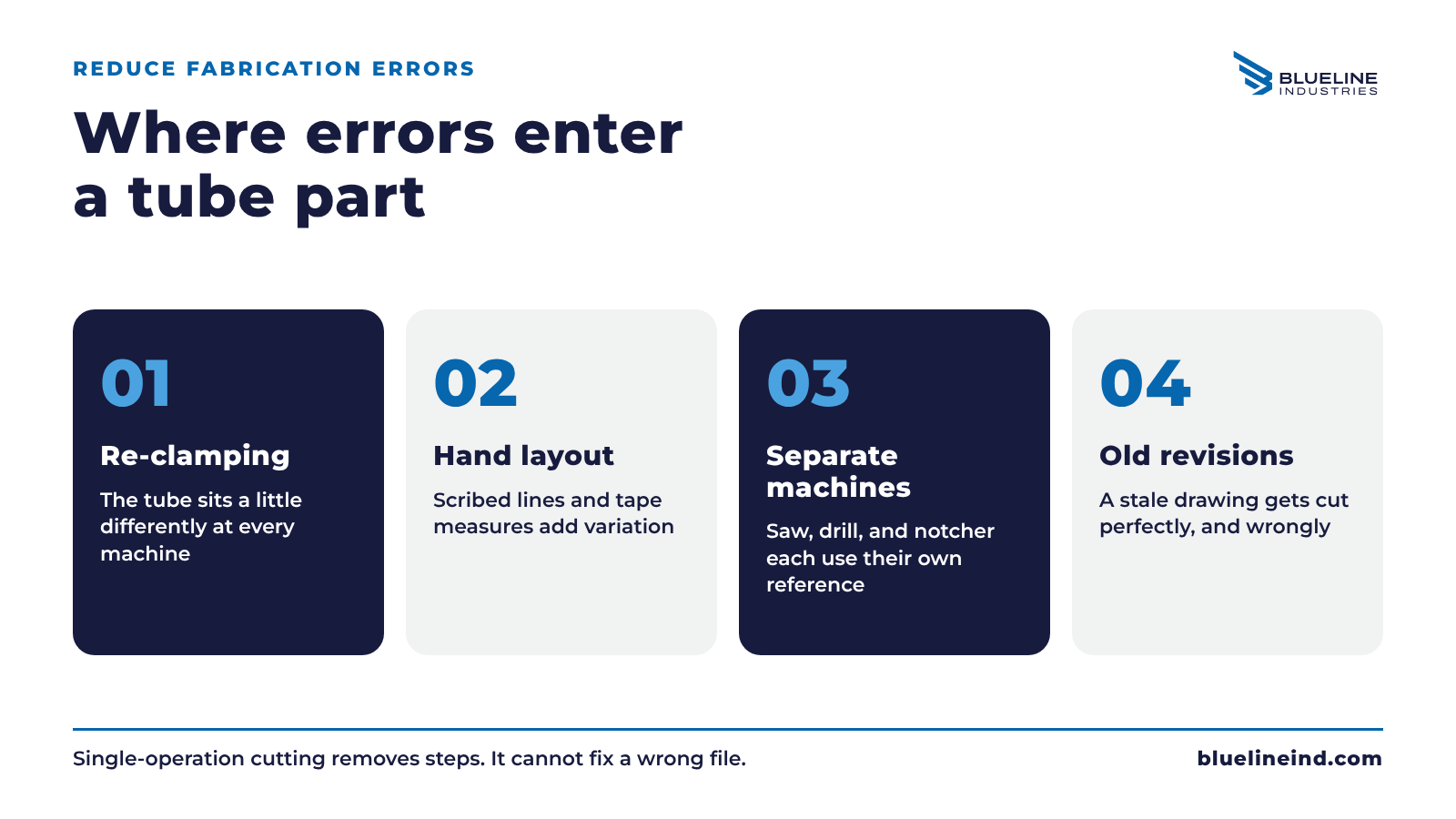
The difference matters most on joints. A cope or miter that looks tight in the model can leave a gap or an overlap once it is cut square to the surface. You find out at fit-up, which is the most expensive time to find out.
| Cut type | What it is | What to expect |
|---|---|---|
| Normal to surface | Cut path is 90 degrees to the outside tube surface. | The standard path. Model it this way so the part matches the drawing. |
| Normal to edge | Cut follows an extruded CAD feature, not the tube surface. | Possible, but it needs a conversation. One published guide says tilting needs an added axis and can add time and cost. |
| Bevel | Cut is tilted on purpose, often for weld prep. | A deliberate choice. Call it out on the drawing. |
How do you check that every cut is normal to the surface?
Rotate the model and ask one question: could a laser make every cut at 90 degrees to the tube surface? If the answer is no for any feature, the surface may look different once the part is fabricated. Fix the model, or flag the feature.
Here is a short check you can run on any tube part before you send it.
- Look down the axis of each cut and confirm it points toward the center of the tube.
- Check coped and mitered ends, since those are where a gap or overlap shows up first.
- Flag any feature that needs a tilt, such as a bevel or an angled hole.
- Leave clearance in joints for kerf and possible cut taper, especially in thicker walls.
Our posts on tube notching and coping and on kerf and slot fit cover the joint side of this check.
When do you want a non-normal cut on purpose?
You want an angled cut when the edge itself has a job to do, most often weld prep. A bevel gives the weld room to penetrate. In that case the angle is part of the design, so mark it on the drawing and say why.
Blueline states it processes tube up to 13 inch diameter with 5-axis beveling capability. That is the right tool for planned bevels. Our primer on 5-axis tube beveling explains how those cuts work.
The key is intent. An angled cut that you chose and marked is a plan. An angled cut that appeared because the CAD tool extruded a feature the wrong way is a surprise. Surprises show up late.
If you are not sure which one your model contains, ask. A quick question before release costs less than a remake after fit-up.
What should you send with a tube cut file?
Send the model with every cut normalized to the tube surface, or note which features are not. Add the tube size, wall thickness, material, and quantity. Call out any bevel with its angle and purpose, then ask the shop to confirm before release.
- Tube shape, outside size, wall thickness, and material.
- A model where cuts are normalized to the surface, or a note on the ones that are not.
- Bevels called out with angle and purpose.
- The mating part for any cope or miter, so the joint can be checked.
- Quantity and whether the part will repeat.
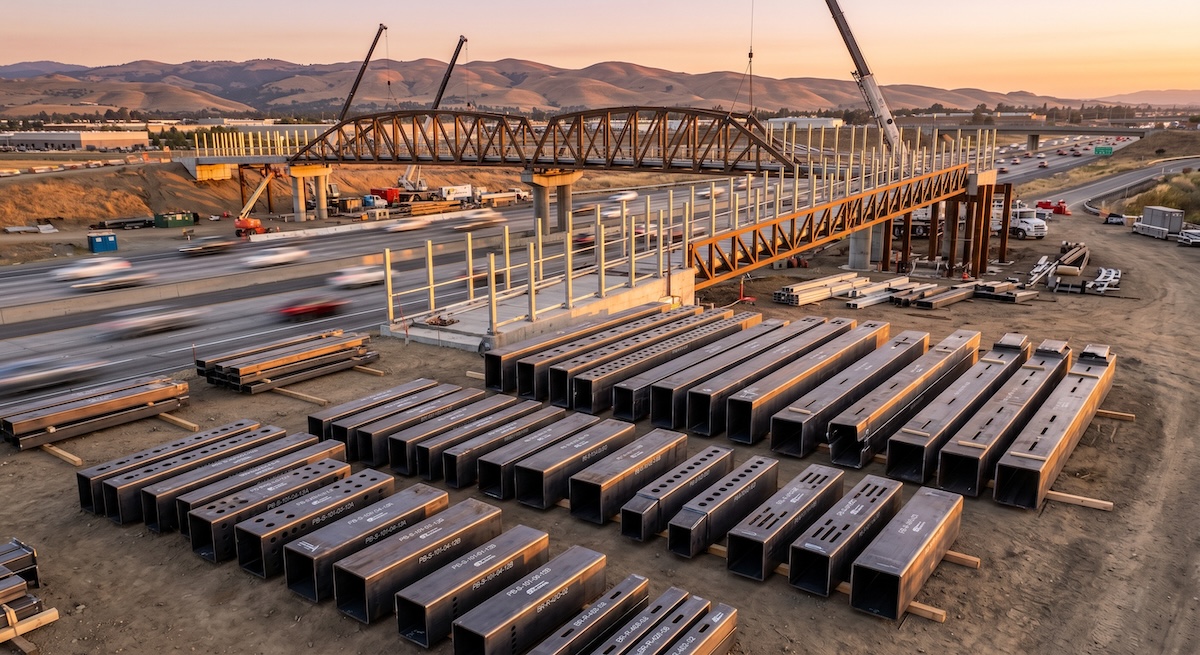
Structural work raises the stakes. Blueline worked on the Caltrans I-5 pedestrian bridge in Irvine, which used more than 500,000 pounds of steel in 2025. On structure at that scale, joints that fit without field rework are worth planning for.
Blueline's tube laser cutting for construction and infrastructure page covers that kind of work. Our general tube laser cutting services page covers the rest.
Frequently asked questions
What does normalized mean in tube laser cutting?
Normalized means the cut path is perpendicular to the outside surface of the tube. It is the same idea as a normal to surface cut or a 90-degree cut.
Do I have to model cuts normal to the surface?
Published guidance says it is not required, but it helps the model show how the part will look after fabrication. It also reduces confusion at quote and fit-up.
Will an angled cut change the quote?
It can. One published guide says tilting the laser needs an added axis and can increase time and price. Ask Blueline about your specific part.
Does Blueline cut bevels?
Blueline states it processes tube up to 13 inch diameter with 5-axis beveling capability. Send the angle and purpose with your file.
Does the cut type matter on square tube?
Sometimes. Published guidance says that on flat faces, features generally work as designed unless they interfere with the perpendicular wall. Check corners and joints closely.
The laser cuts what it can reach at 90 degrees, so model what it will really cut. Check every feature, mark every bevel, and confirm with your shop before the file goes out.
Ready to send a tube file? Get a Quote or call (951) 833-5597.