Quick Summary
- Send a 3D STEP file, not just a flat DXF, because tube laser cuts wrap around the tube.
- Model the tube with real wall thickness and sharp corners, then keep holes and slots off the corner radius.
- Add a dimensioned PDF drawing, material grade, wall thickness and quantity so nobody guesses.
- Run the checklist below before you send files to Blueline for a quote.
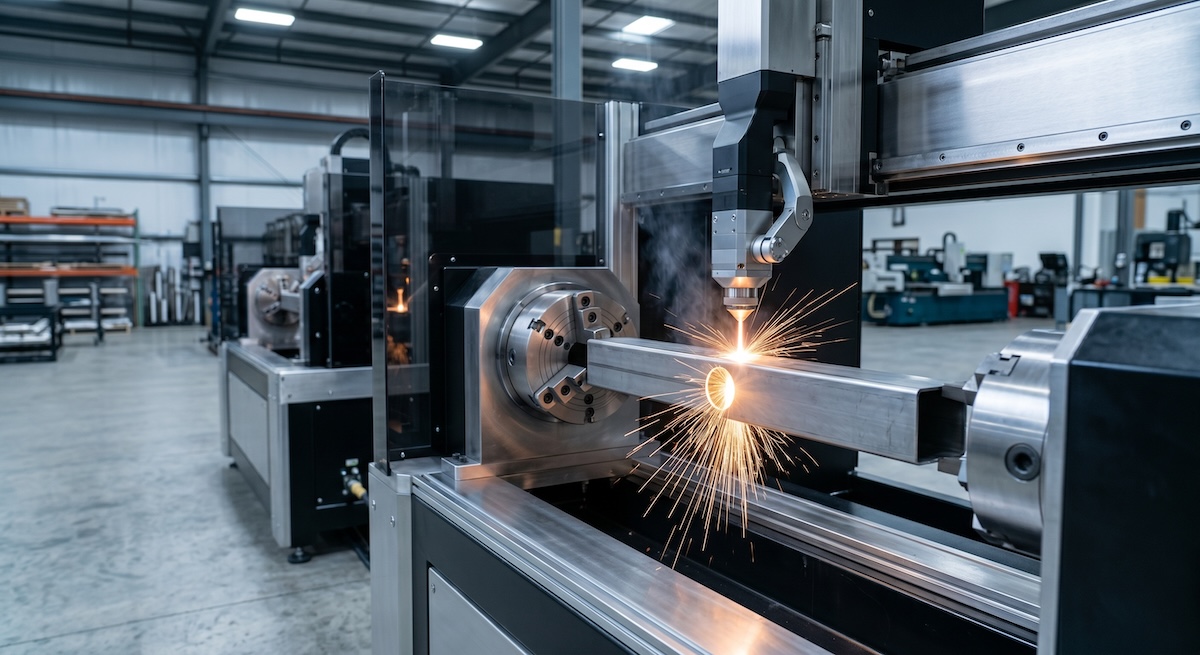
The short answer: prepare a clean 3D model of the tube, usually as a STEP file, with every cut feature placed on the correct face. Add a dimensioned drawing and the material details. At Blueline Industries in Chino, CA, tube laser cutting starts with the file, and a clean file is the fastest way to a clean part.
This guide is for engineers and buyers who send tube jobs out for quotes. It covers formats, modeling habits, feature placement, and what to include in the package. Follow it and your quote request will move faster and your first parts will fit.

What file format does tube laser cutting need?
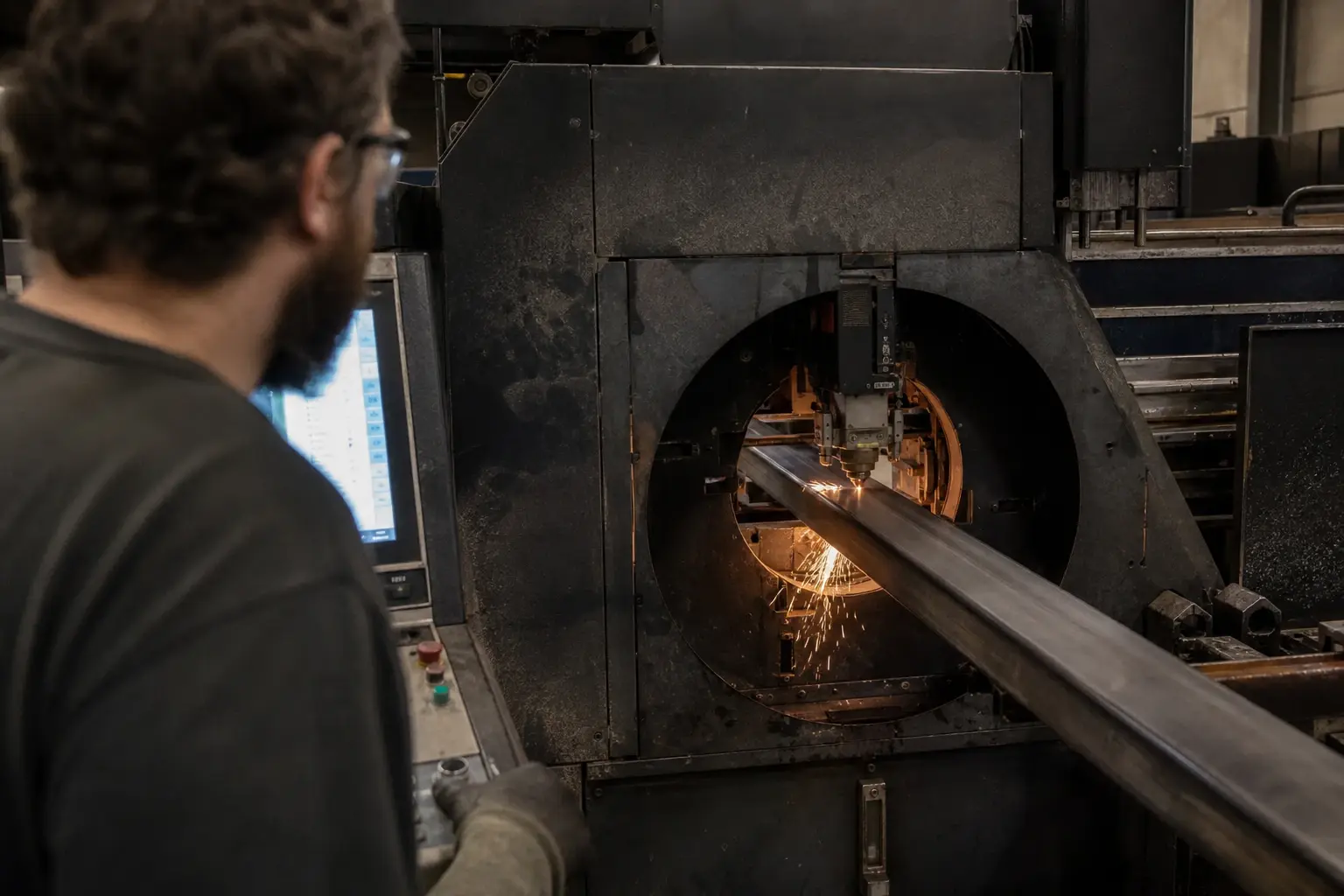
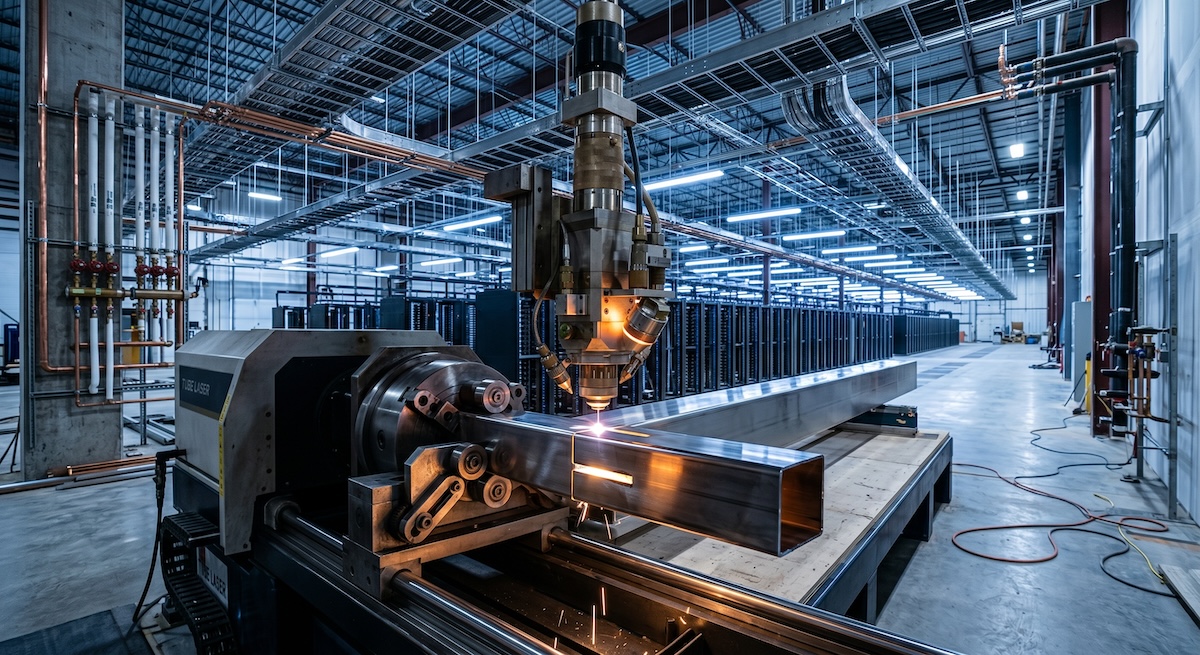
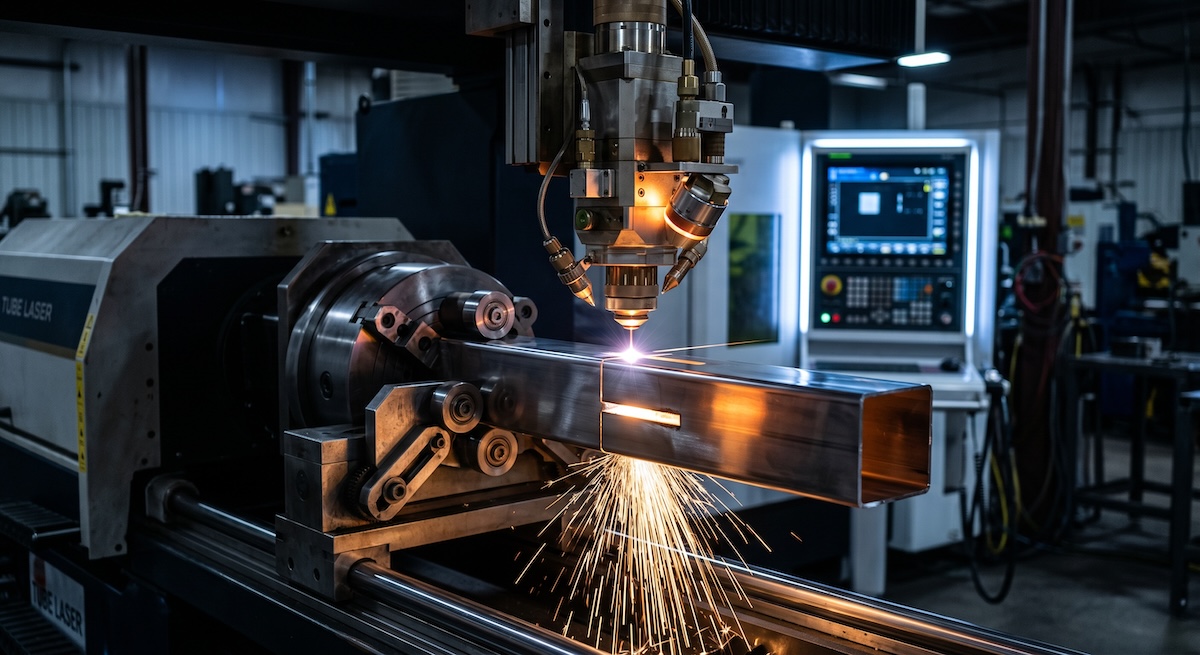
Send a 3D file, most often STEP (.step or .stp). Many shops also accept IGES or native CAD from SolidWorks. A tube laser cuts in three dimensions, so a flat DXF alone rarely describes the part. Blueline's site lists DXF, STEP and SolidWorks files as accepted production-ready formats.
A flat DXF works well for sheet parts. A tube is different because a slot on one face, a hole on another and a miter at the end all live on the same piece. A 3D model keeps those features tied to the right surfaces.
When a DXF still helps
A DXF can be useful as a companion for a simple pattern, like a hole layout. Treat it as a reference, not the master file. Send the STEP file as the source of truth.
Export tips that prevent surprises
Export in the same units you designed in, and say which units you used. Confirm the model opens correctly in a free viewer before you send it. Scaling errors often show up when files move from one format to another.
How should you model the tube in CAD?
Model the tube at its true outside size and true wall thickness. Many shops prefer sharp outside corners in the model, since the real stock has its own corner radius. Use one part per file or a clearly named assembly. Do not model weld beads, coatings or finishing notes into the tube.
A few habits save time on almost every job:
- Use the real wall thickness, not a placeholder.
- Name each part with a part number that matches your drawing.
- Delete hidden or duplicate bodies before export.
- Keep one tube per part. Split assemblies into separate parts when you want each piece cut.
Why the wall thickness matters
Wall thickness drives how the laser cuts, how features are spaced, and whether a design is practical. A wrong number in the file can mean a quote built on the wrong material. Confirm it matches your drawing.
Where can you place holes, slots and notches?
Place holes and slots on the flat faces of the tube, and keep them clear of the corner radius. A common rule of thumb is to keep a hole at least one wall thickness away from any edge or cut end. Ask your shop for its exact spacing rules before you finalize a design.
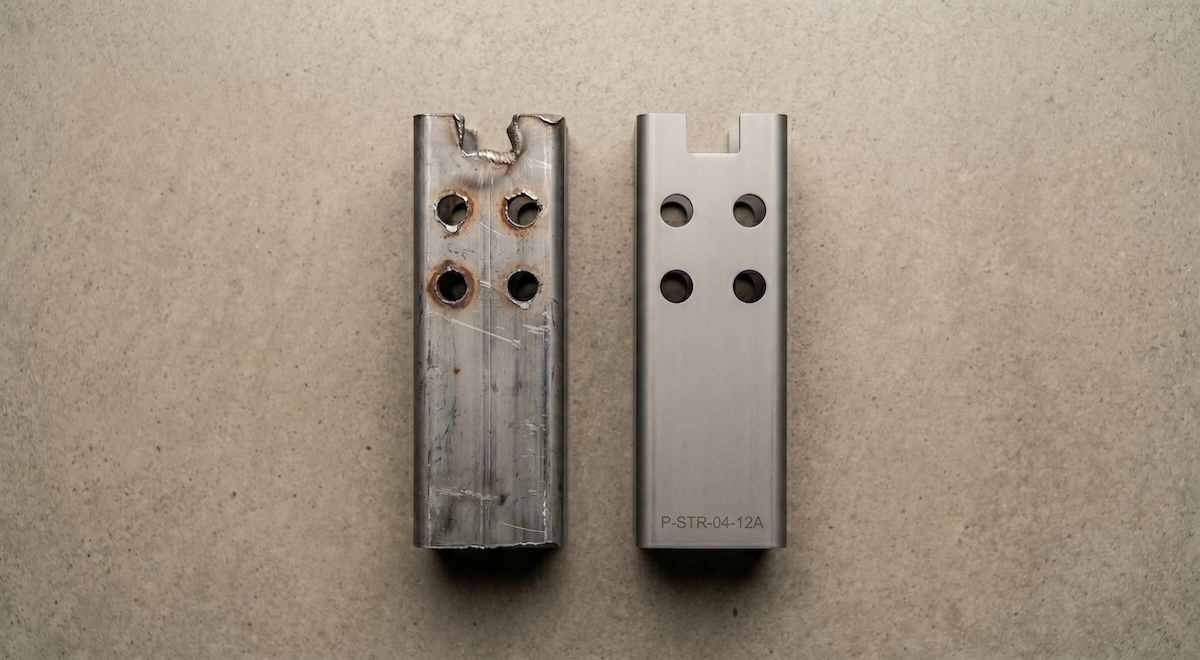
Features that cross a rounded corner are harder to cut and harder to inspect. Moving them onto a flat face is usually an easy design change. Blueline's precision slotting, notching and hole cutting work is built around features like these.
Features that tube lasers handle in one setup
Typical tube laser features include square cuts, miters, copes for tube-to-tube joints, weld-prep bevels, and tab and slot connections. Cutting several of them in one pass is the point of single-operation processing. According to Blueline, single-operation processing can reduce error rates by up to 70%.
Tolerances: call out only what matters
Every callout on a drawing is something a person has to read, plan for and check. A short, focused list of critical dimensions keeps attention where the part needs it.
Blueline states tolerances of plus or minus 0.003 inch. Tight callouts cost attention, so reserve them for features that control fit or function. Leave general tolerances loose where the part allows it.
What else should you send with the file?
Send the 3D model, a dimensioned PDF drawing, the material and grade, the wall thickness, the quantity and any critical tolerances. The drawing confirms dimensions in case the model scales oddly between formats. Together these let a shop quote without guessing.
Item to sendWhy it helps3D STEP fileDescribes every cut on every face of the tubeDimensioned PDF drawingLets the shop check dimensions against the modelMaterial and gradeCarbon steel, stainless and aluminum cut differentlyWall thickness and tube sizeConfirms the stock and the feature spacingQuantity and timing needsShapes the quote for a prototype or a production runCritical tolerances onlyFocuses inspection on what controls fit
What is a good pre-send checklist for tube laser files?
Check five things before you hit send: format, geometry, feature placement, drawing and notes. Each takes a minute or two. Together they remove most of the back-and-forth that slows a quote.
- Export a STEP file and open it in a viewer to confirm it loads.
- Confirm tube size, wall thickness and units against your drawing.
- Move any hole or slot that sits on a corner radius onto a flat face.
- Attach a dimensioned PDF with part numbers that match the model.
- List material, grade, quantity and critical tolerances in the email.
A note on large jobs
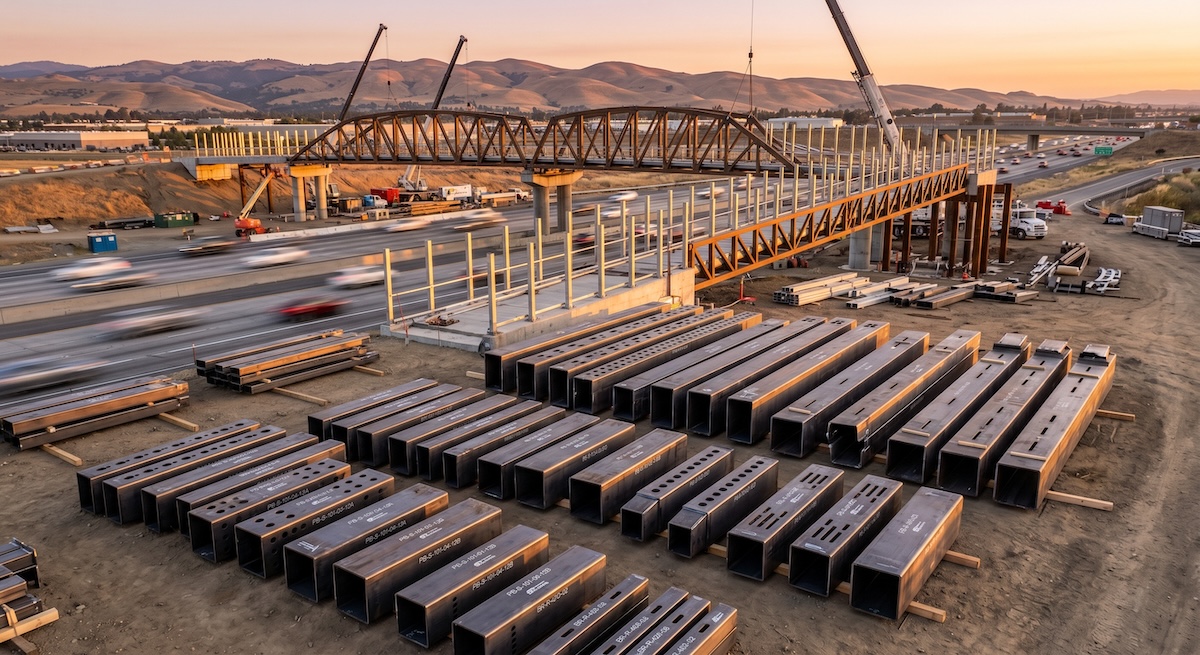
On big programs, one file error repeats on every part. Blueline has processed large steel projects, including the Caltrans I-5 pedestrian bridge in Irvine (500,000+ lbs of steel, 2025) and the Coachella Sahara Stage (1M+ lbs of steel, 2025). Whatever the job size, the same file discipline applies.
Frequently Asked Questions
Can I send a DXF for tube laser cutting?
Sometimes, for simple parts. Because the laser cuts around a 3D tube, a STEP file is the safer choice. Blueline's site lists DXF, STEP and SolidWorks files as accepted formats.
Do I need to model the corner radius of the tube?
Usually no. Many shops prefer sharp outside corners in the model. Ask your shop for its preference, and keep features off the corner.
How close can a hole be to the end of a tube?
A common rule of thumb is at least one wall thickness from any edge or cut end. Exact limits depend on the shop, material and feature. Confirm with Blueline before you lock the design.
What if I only have a paper drawing?
Send it with your quote request. Blueline's site says its team can convert architectural drawings to shop drawings. A 3D model still gives the cleanest result.
Does a better file really change the quote?
A complete package lets the shop quote with fewer assumptions. Missing details usually lead to questions, and questions add days to the process.
Ready to send your tube files?
Blueline is a Chino, CA tube laser cutting and precision fabrication shop. We ship to customers across the Southwest and West Coast. Review our tube laser cutting services, see how we handle prototypes and short runs, or read our guide to getting a fabrication quote for OEM projects.
Get a Quote: send your files at bluelineind.com/contact-us or call (951) 833-5597.


.png)